I haven’t worked on this project in a while since I launched it last year. I started playing with it again because I’m planning the next steps to turn it into a standalone macOS app and, most importantly, a VST so it can be used inside DAWs. And now I have a cool update to share.
One thing I wasn’t happy with was the idea of complementary chords. Even though they offered an interesting way to access borrowed chords while playing the regular modes of a selected scale, they still felt a bit useless in a real performance or jam session. So the goal of this update is to make them smarter. That meant moving away from a purely music-theory approach and thinking more from a performer’s perspective.
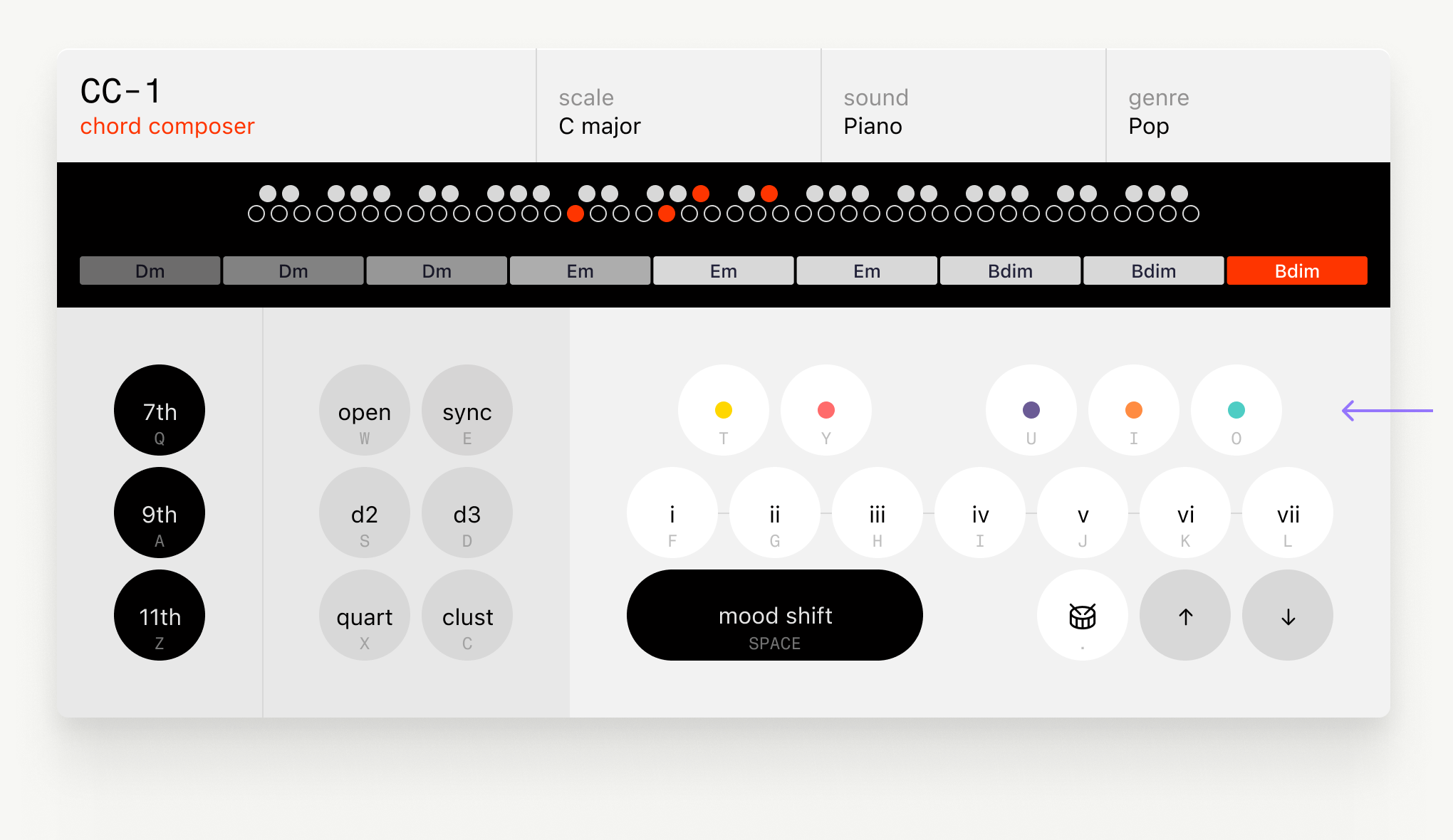
The idea is complex behind the scenes, but the outcome is more intuitive. Now these keys offer different complementary options based on the selected genre and the previously played chord. That combination unlocks a menu of five options, each one tied to a genre-related concept. It’s a bit prescriptive, and I’ll keep adjusting the set of options you can play with, but for now it gives a solid set of alternatives to complement the regular modes as you go. You can even play them randomly to trigger new ideas.
Another decision was to reduce the number of available keys. Even though a computer keyboard still has more keybinds I could use, I made this call to improve compatibility with MIDI keyboards, which will matter a lot once the app works as a VST.
Finally, you can now play chords just by clicking the recorded chords on the black screen. This makes it easy to recreate anything you played before, especially if you stumble onto something interesting and want to repeat it.
Enjoy these updates, and stay tuned for the app and VST!